Ultra Web Wallet
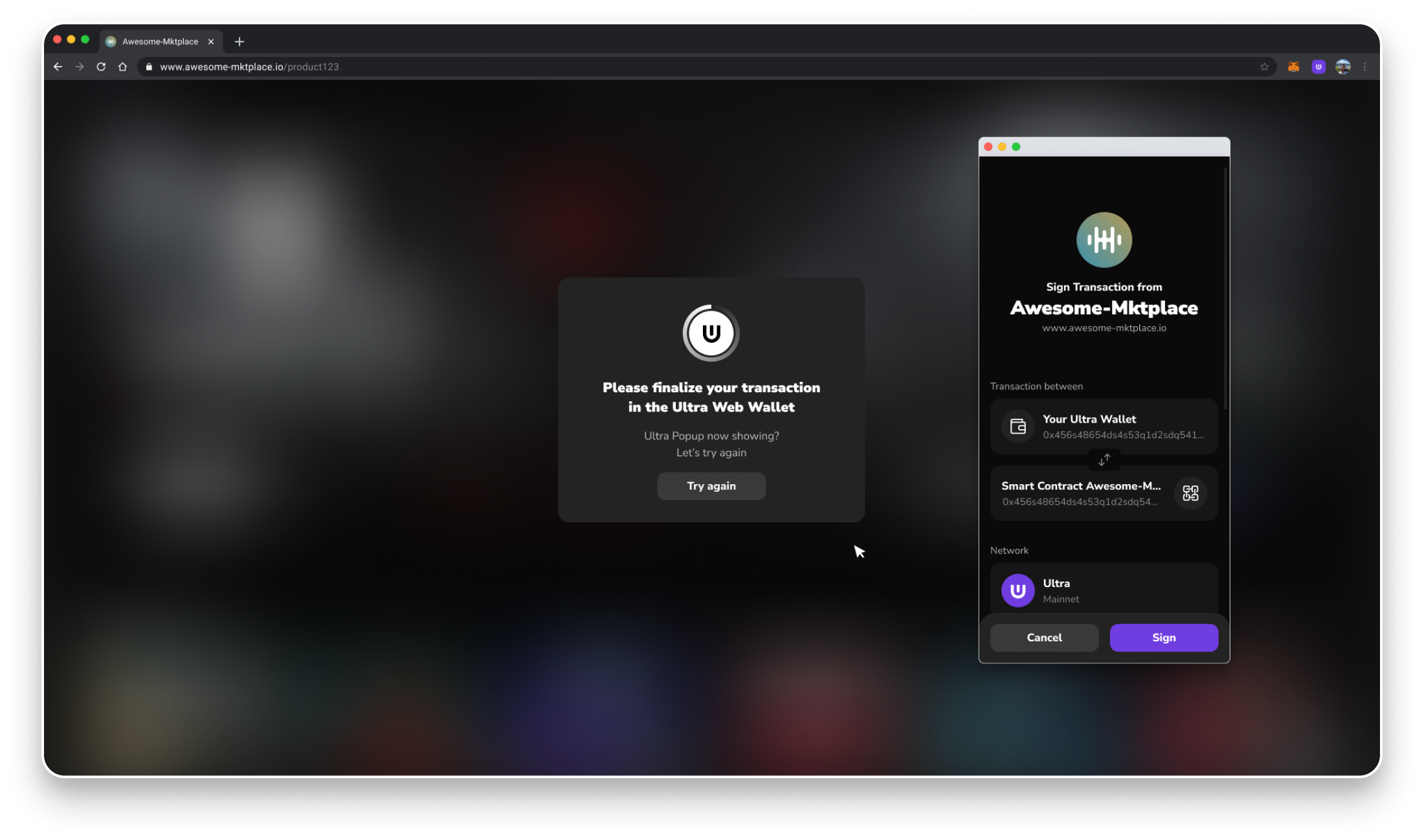
The Ultra Web Wallet is a browser-based, non-custodial wallet for Easy Blockchain Account (EBA) users. It opens in a popup when a dApp uses @ultraos/wallet-sdk, so users can connect and approve signing requests without installing a browser extension.
The SDK presents the same top-level API for the Web Wallet and the Ultra Wallet Browser Extension. By default, it uses the extension when one is detected and falls back to the Web Wallet otherwise. A dApp can also explicitly request the Web Wallet provider.
Current capabilities
The Web Wallet currently supports:
- Connecting and disconnecting a dApp.
- Signing messages.
- Signing one or more transaction actions. Transactions are broadcast by default; the
signOnlyoption returns the signed transaction without broadcasting it. - Returning the configured Ultra network's chain ID.
The Web Wallet currently supports EBA accounts only. Persistent wallet events, runtime network switching, network management, and the extension's broader account-query APIs are not supported by the popup transport.
Integrating the Web Wallet
Install and initialize the Ultra Wallet SDK:
import { UltraWalletSDK } from '@ultraos/wallet-sdk';

const wallet = new UltraWalletSDK({
    environment: 'mainnet',
});
This configuration automatically uses the extension when available. To always use the Web Wallet, set provider: 'web'.
Calls that open the wallet, such as connect(), signMessage(), and signTransaction(), should be made directly from a user action such as a button click. Browsers may block popups created outside a user gesture.
Key storage
The private key is generated and retained in an encrypted vault in the Web Wallet's browser storage. The encryption key is assembled during authentication from a device-local part and a part returned by Ultra's device service; Ultra does not store the complete private key.