How to add custom networks
Besides the built-in Mainnet and Testnet, you can add your own networks to the Ultra Wallet extension, for example a local development node.
Open the Ultra Wallet extension and click the network name under your account (or open the Menu, top right, and select Networks).
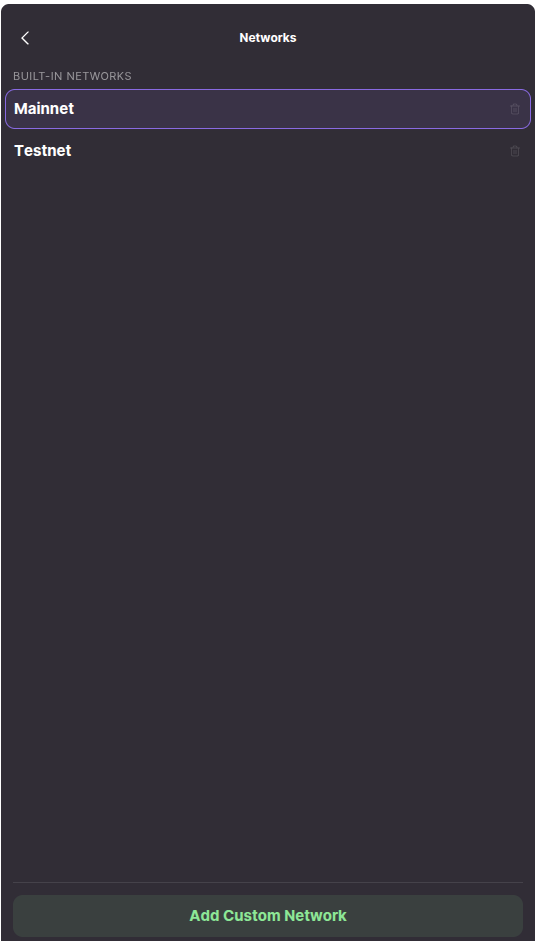
Click Add Custom Network, enter a Network Name and the Node URL of your Ultra node (see nodeos), then click Add Network.
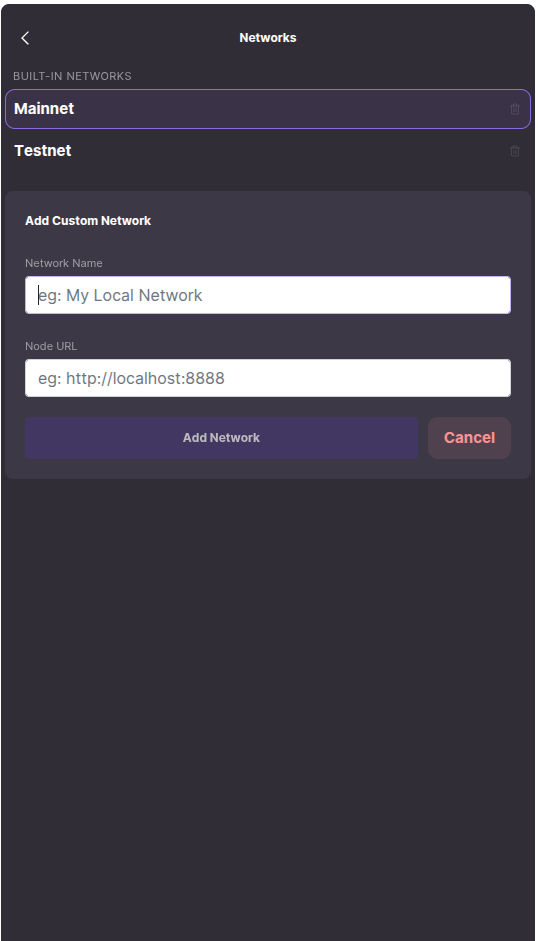
Select a network in the list to switch to it. Custom networks can also be edited or deleted from this screen.
The wallet checks a network before saving it:
- The Node URL must use HTTPS.
http://localhostandhttp://127.0.0.1are allowed for local development. - Private and internal network addresses are refused.
- The name must not imitate a built-in network (for example "Ultra Mainnet").
- The wallet contacts the node and records its chain ID.
Websites cannot add networks
Only you can add a network, on this screen. Websites cannot add networks to your wallet. A connected website can switch the wallet to a network you have already added (extension 2.2.14+). See Ultra Wallet SDK → Accounts & Networks.